Type it
Smart categories
5USD
Starbucks
BillsEntertainmentFood ✦ AIHealthTransport
Start typing and Digits picks the category before you finish the word.
The expense tracker that runs entirely on your iPhone.
On-device AI logs what you spend — nothing ever leaves your phone.
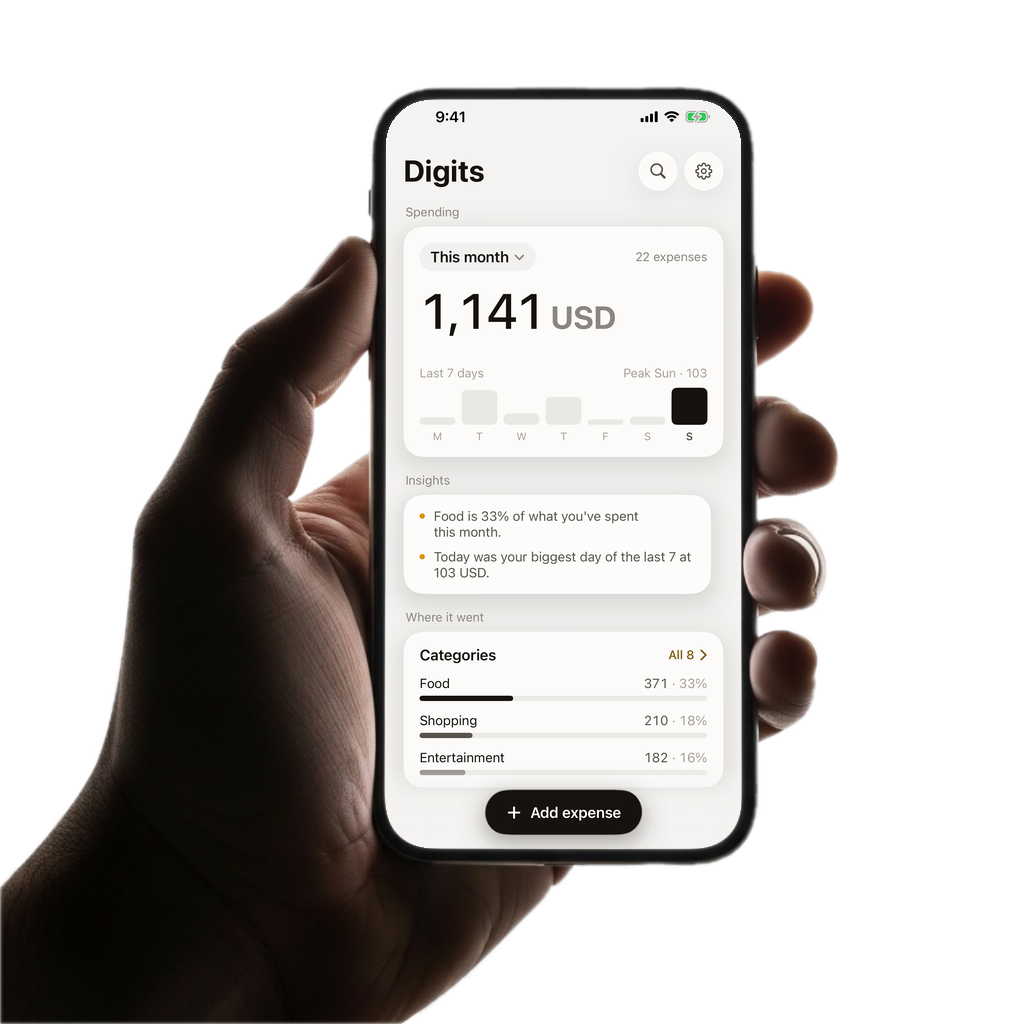
Digits was built around one idea: tracking money should take seconds and stay private. Everything below runs on Apple's on-device models.
Start typing and Digits picks the category before you finish the word.
“Twenty dollars at Starbucks”
Say it in plain language. Amount, merchant, currency and category are extracted instantly.
Photograph a receipt or drop in a bank-statement screenshot. Digits reads the line items.
Interactive charts by category, day, week, month or custom range. Tap any bar or slice to filter your transactions instantly.
Set a budget on any start day of the month. Digits tracks spent, remaining and days left.
Set it up once with Shortcuts. Every tap-to-pay is logged, currency-converted and categorised.
Log in the local currency. Digits keeps the original and converts to your default automatically.
Optional biometric lock. No password to remember, no account to breach.
Most trackers upload every transaction to their servers to "categorise" it. Digits uses Apple's on-device Foundation Models, so the AI runs on the chip in your pocket. No account. No sync. No analytics SDKs.
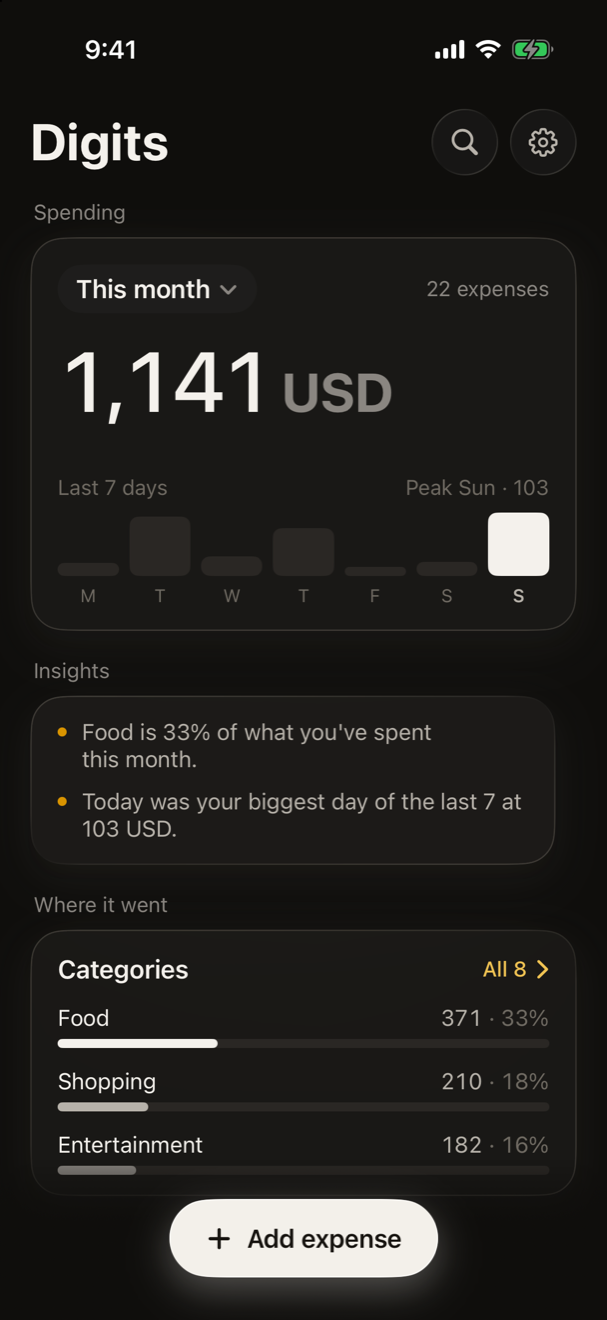
Yes. Typing, voice, receipt scanning and category suggestions all run on-device using Apple Intelligence. The only network request Digits ever makes is to refresh exchange rates for multi-currency conversion.
Digits requires iOS 26. On-device AI features use Apple Intelligence, which is available on iPhone 15 Pro and newer. Manual entry works on every supported device.
Digits ships a Shortcuts automation. When a Wallet transaction completes, the Shortcut hands the amount and merchant to Digits, which logs, converts and categorises it — no bank login required.
Absolutely. Log expenses in any currency and Digits converts them to your default currency automatically, keeping the original amount on the transaction.
Your data is included in your normal iPhone backup (iCloud or local). You can also export everything to CSV from Settings at any time.

Free on the App Store. No sign-up, no subscription wall to see your own money.
Download on the App Store